
Introduction
Pichhle post me maine bataya tha ki AI tools use karke maine apna kaam fast kaise banaya.
Is post me main exact woh free AI tools share kar raha hoon jo main khud use karta hoon — bina coding, bina paid plan.
Agar aap beginner ho, student ho, blogger ho ya office work karte ho — yeh tools aapke liye kaafi useful honge.
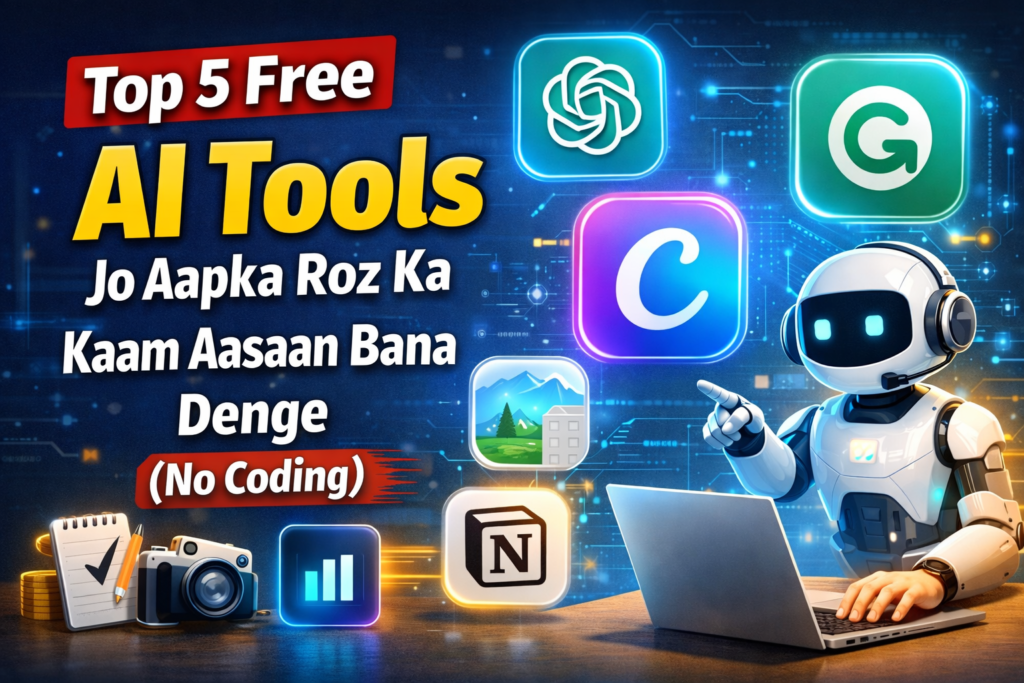
🔹 1️⃣ ChatGPT – Planning aur Writing ke liye
ChatGPT ek aisa AI tool hai jo:
- Ideas generate karta hai
- Content ka outline banata hai
- Emails, captions, scripts likhne me help karta hai
Main kaise use karta hoon:
- Blog topic ideas
- Headings & structure
- Confusion clear karne ke liye
👉 Benefit: Time saving + clarity
🔹 2️⃣ Canva AI – Design bina Designer
Canva sirf design tool nahi raha, ab usme AI features bhi hain:
- Thumbnail design
- Social media posts
- Presentation
Best baat: Drag & drop, beginner friendly
👉 Use case: Blog featured image, Instagram post, YouTube thumbnail
🔹 3️⃣ Grammarly – Simple aur Clear English
Grammarly aapke likhe text ko:
- Grammar correct karta hai
- Sentence simple banata hai
- Professional tone deta hai
Main Grammarly ka use karta hoon jab:
- Blog post final karta hoon
- Email likhta hoon
👉 Result: Reader ko text samajhne me easy hota hai
🔹 4️⃣ Notion AI – Notes aur Planning
Notion AI aapka digital notebook hai:
- Ideas save karne ke liye
- Content planning
- Daily tasks manage karne ke liye
Agar aap planning me weak ho, to yeh tool game-changer ho sakta hai.
🔹 5️⃣ Remove.bg – Background Remove in 1 Click
Is tool se aap:
- Image ka background remove kar sakte ho
- Product images bana sakte ho
- Thumbnail clean look de sakte ho
👉 Best baat: Ek click, no editing skill required
✅ Final Thoughts (Honest Opinion)
AI tools ka matlab yeh nahi ki insaan bekaar ho gaya.
AI ka matlab hai smart kaam, zyada mehnat nahi.
Agar aap in tools ko thoda-thoda use karna shuru kar doge, to:
- Kaam fast hoga
- Confidence badhega
- Time bachega
🔔 CTA
👉 Aap kaunsa AI tool already use kar rahe ho? Comment me batao
👉 Is post ko save karo – tools list kaam aayegi